What Does Managed IT Support Include?
“Managed IT support” is one of those phrases that means something slightly different at every company selling it. One provider means a remote help desk and nothing else. Another means the help desk, your security, your backups, your Microsoft 365 tenant and a quarterly plan for the next twelve months. The price difference between the two can be three or four times over, which makes comparing quotes genuinely difficult.
This guide sets out what managed IT support normally includes, what sits outside it, and the questions that tell you which version you are being quoted for.
What “Managed” Actually Means
Traditional IT support is reactive. Something breaks, you call someone, they fix it, you get an invoice for the time. Managed IT support flips that around. You pay a fixed monthly fee, usually per user or per device, and in return the provider takes ongoing responsibility for keeping your systems working.
The important word is ongoing. A managed provider is paid to stop problems happening, not to be paid more when they do. That changes the behaviour. Patches get applied before a vulnerability is exploited. Failing hard drives get spotted on a monitoring dashboard rather than on the morning someone’s laptop will not start. Backups get tested rather than assumed.
In practice, most managed contracts are built from four blocks.
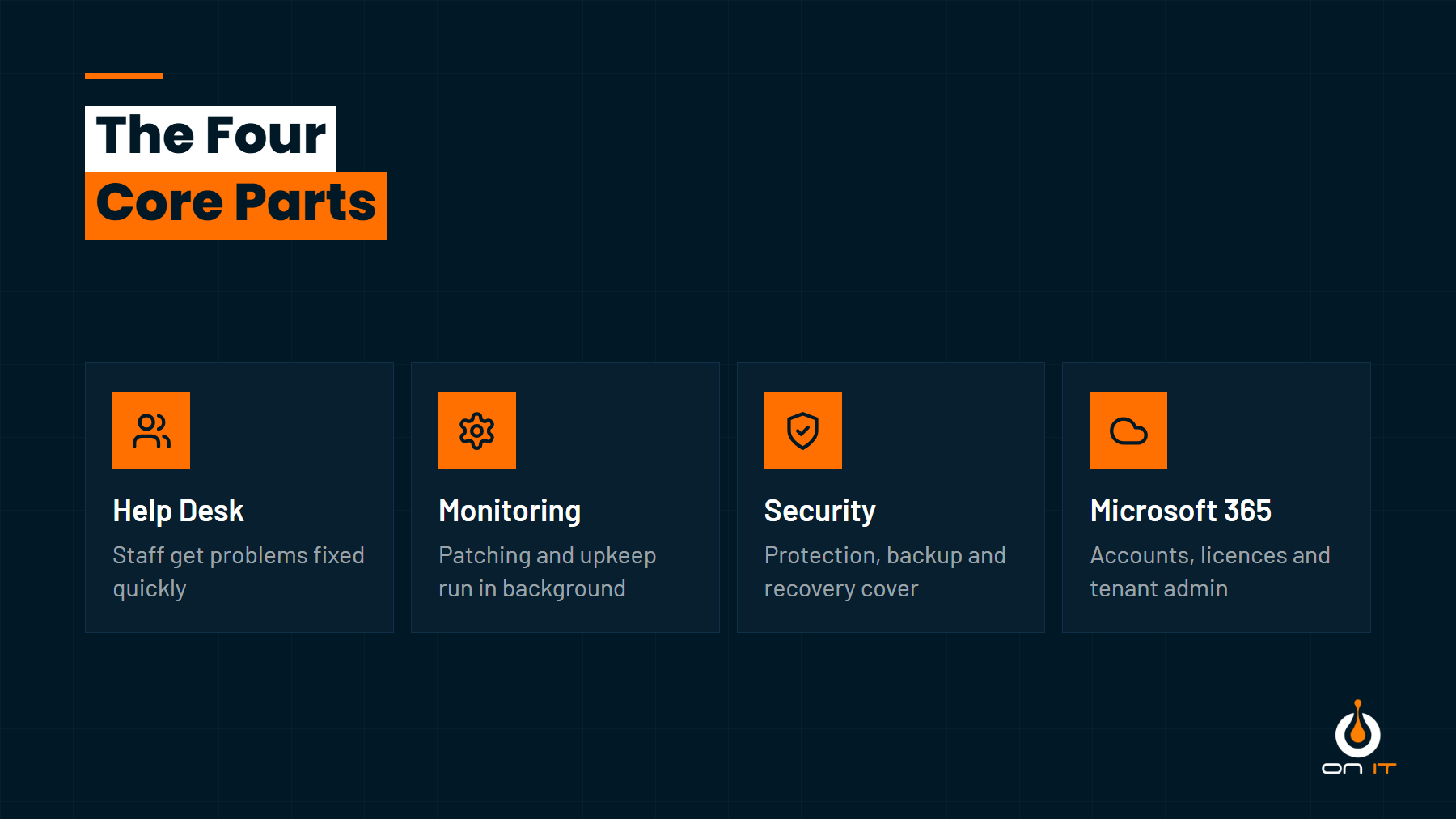
The rest of this post walks through each one, plus the things that often sit just outside the line.
The Help Desk: Day to Day Support
This is the part your staff will actually notice. A help desk gives everyone a single place to report a problem, usually by phone, email or a portal.
A well-run help desk should give you:
- Triage, so an urgent issue stopping a whole team is handled ahead of a cosmetic one
- The right engineer on the job rather than whoever picked up the phone
- Updates at each stage, so nobody is left wondering whether their ticket is alive
- Tickets properly closed, with the fix recorded for next time
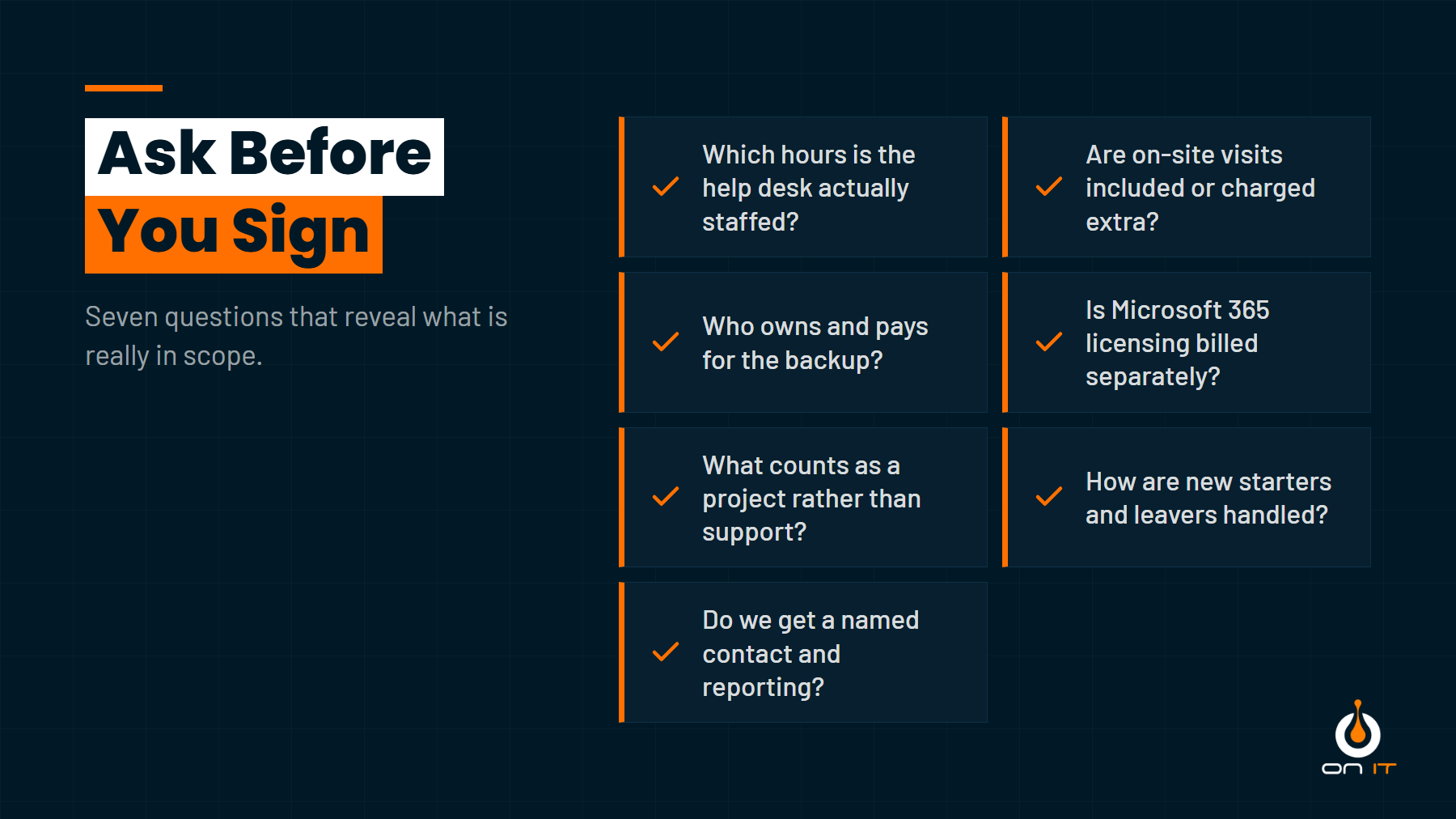
Two details matter more than most people expect. The first is cover hours. A help desk staffed 9am to 5pm is normal for an SME and perfectly reasonable, but you should know that is what you are buying rather than find out at 6pm. The second is on-site support. Most problems are solved remotely, but some need someone in the room. Check whether visits are included, capped, or charged on top.
Monitoring, Patching and Maintenance
This block is invisible when it works, which is exactly why it gets cut from cheap quotes.
Monitoring means agents installed on your computers and servers, reporting back on disk health, failed updates, running out of space, unexpected restarts and dozens of other signals. Patching means Windows and third-party applications being kept up to date on a schedule, rather than whenever a user clicks the reminder.
A full maintenance scope usually covers:
- Operating system and application updates across every device
- Device health monitoring with alerts going to the provider, not to you
- Antivirus and endpoint protection kept current and actually reporting in
- Server, network and firewall firmware upkeep
- Asset records, so you know what hardware you own and how old it is
That last point sounds dull and saves real money. Knowing that fifteen laptops hit five years old next spring turns a surprise capital expense into a planned one.
Security and Backup
Security is where quotes diverge most. Almost every provider includes antivirus. Far fewer include the things that stop the attacks that actually hit UK SMEs, which are overwhelmingly about email and stolen credentials rather than clever technical exploits.
A reasonable security scope for a small business includes endpoint protection, multi-factor authentication enforced across Microsoft 365, hardening of the tenant settings that are wide open by default, and some form of monitoring that would notice a strange sign-in. Phishing simulation and staff training are often an add-on, as is anything approaching a full security operations centre.
Backup deserves its own conversation. Ask three questions: what is being backed up, how often, and when was a restore last tested? A backup nobody has restored from is a hope rather than a plan. Also check whether Microsoft 365 itself is backed up, because Microsoft protects its own infrastructure, not you from deleting a SharePoint library.
If you want a quick sense of where your security sits before you talk to anyone, our Cyber Essentials Quiz walks through the basics in a few minutes.
Microsoft 365 and Licence Management
For most SMEs, Microsoft 365 is the business. Email, files, Teams, and increasingly phone calls all run through one tenant, and that tenant needs an administrator.
Managed support normally covers:
- Creating and removing user accounts, including the leaver process
- Mailbox, shared mailbox and distribution list changes
- SharePoint and Teams structure and permissions
- Licence optimisation, which usually means finding the ones you are paying for and nobody is using
- Documenting changes so you can answer an audit question
Note that managing licences and paying for licences are different things. Many providers resell Microsoft licences, and some bundle the cost into the per-user fee. Either is fine as long as you know which one you are comparing.
What Is Usually Not Included
No contract covers everything, and a provider telling you it does is worth a second look. Typical exclusions are:
- Projects. Office moves, server replacements, cloud migrations and new sites are quoted separately.
- Hardware. Laptops, firewalls and switches are yours to buy, though a good provider will spec and configure them.
- Third-party line-of-business software. Your CRM or accounts package vendor owns the application; your IT provider owns getting you to it.
- Connectivity. Broadband and leased lines usually sit with the telecoms supplier.
- Out of hours work, unless you have specifically paid for it.
None of these are unreasonable. The problem is only ever discovering them at invoice stage.
Get a Clear Answer on What You Are Buying
Managed IT support should mean a fixed monthly cost, someone accountable for keeping things running, and no awkward conversations about whether a fault is chargeable. The only way to compare two quotes fairly is to compare scope, not headline price.
If you want a straight answer on what is and is not included, our Managed IT service pages set it out, and you are welcome to get in touch for a quote that spells out the boundaries in writing.

